
In today’s online world, where people don’t stick around for long, having great product photos isn’t just a nice-to-have—it’s a must! At Kemple Photography, we’ve noticed how killer product shots can boost an online shop’s sales and how folks see the brand.
Why Product Photography Matters: The Numbers Speak
- 78% of online shoppers want products to be brought to life with images
- Products with high-quality images are 40% more likely to be shared on social media
- Online stores with professional photography see an average of 30% higher conversion rates
Essential Tips for Stunning Product Photos
Lighting is Everything
Natural Lighting Techniques
Natural lighting techniques are very important for nailing that amazing product photograph that shows off each item’s unique features and qualities. Where we can try and tap into the magic of natural light; with this, you can create a soft, diffused glow that makes colours and textures pop while keeping those harsh shadows in check. Whether you’re snapping pics indoors or outside, playing with the available light can boost the overall look of your product images.
For jewellery photography, diffused natural light through a white curtain creates soft, sparkly highlights without harsh reflections• White curtains act as a natural diffuser, spreading light evenly across jewellery surfaces • The soft diffusion helps minimise unwanted glare on metal surfaces • Place jewellery at a 45-degree angle to capture both surface detail and dimensional depth • Use a small reflector beneath the piece to illuminate shadowed areas.
Pro tip: Cloudy days are actually perfect for product shoots – nature’s softbox!• Clouds naturally diffuse sunlight, creating even illumination without harsh shadows • The consistent light levels help maintain accurate color reproduction • Overcast conditions eliminate the need to constantly adjust camera settings • Perfect for shooting larger products or multiple items in a single session

Studio Lighting Setup
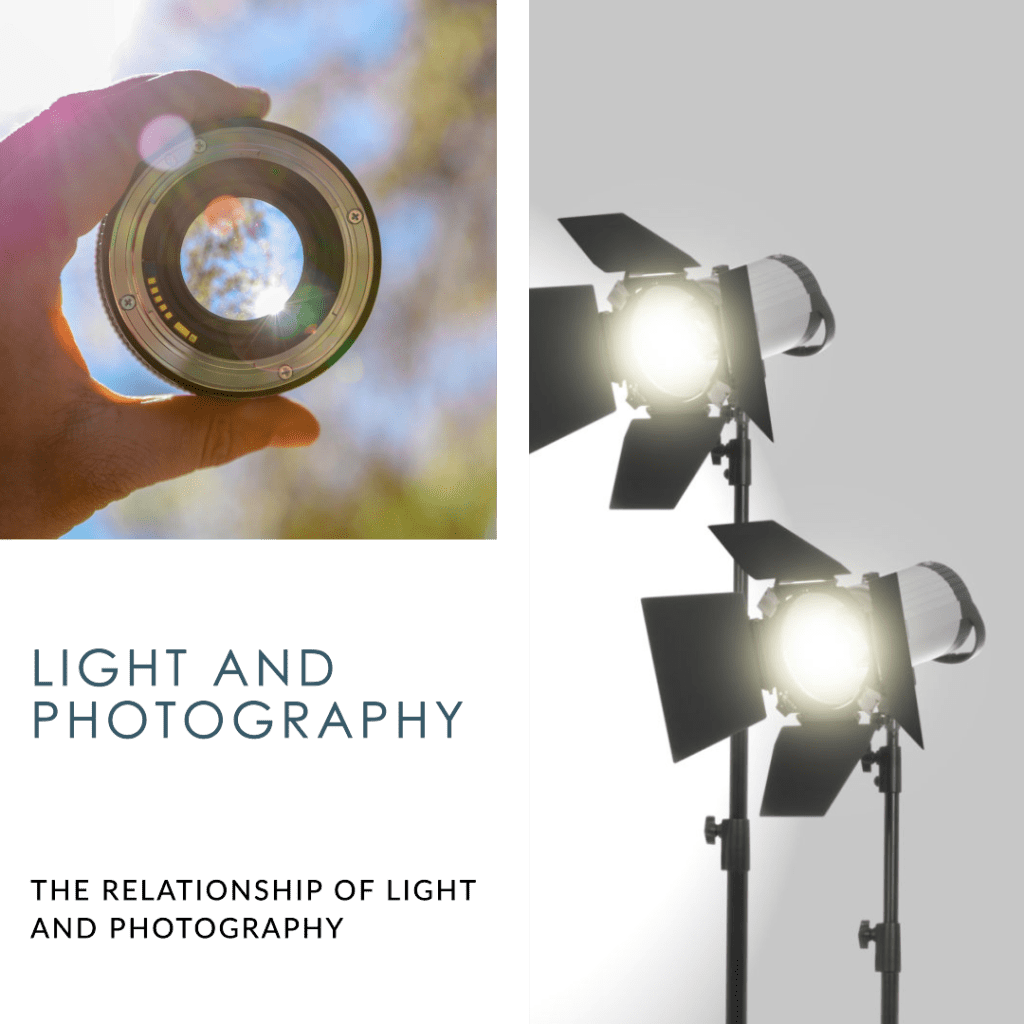
Studio lighting makes a difference in product photography; it can change how the items look in the final shots. When you get your lighting setup just right, it not only brings out the details and textures of the products but also helps express emotions and showcases the brand’s vibe. Playing around with different light sources, modifiers, and techniques allows you to create eye-catching images that grab attention, show off important features, and get people interested in buying. Some tips:-
1. Main Light Positioning (45-degree angle) The main light should be positioned at a 45-degree angle from the product. This angle is ideal because it:
- Creates natural-looking shadows that define the product’s shape
- Minimises direct reflections on shiny surfaces
- Provides good depth and dimension to the product
2. Fill Light Setup The fill light should be placed opposite to the main light at 30% power for shadow control. This setup:
- Softens harsh shadows created by the main light
- Maintains enough shadow to show product dimensionality
- Prevents the shadows from becoming too dark or losing detail
3. Handling Glossy Products For glossy items like cosmetics, using two softboxes at 45-degree angles helps eliminate unwanted reflections. This arrangement:
- Creates even illumination across reflective surfaces
- Minimizes hot spots and glare
- Maintains product clarity and accurate color representation
4. Starting Equipment A basic 2-light setup costing between $200-500 is recommended for beginners. This investment:
- Provides essential lighting control
- Allows for professional-quality results
- Offers room for future expansion as skills develop

2. Background Mastery
White Background Perfection
- Use a sweep (infinity curve) for seamless transitions (A sweep (infinity curve) is a seamless backdrop that curves from vertical to horizontal, creating a clean background without visible lines where the product sits. This creates an uninterrupted space that makes the product appear to float.
- Maintain 2-3 feet distance between product and background
- Example: For white products, use a light grey background to maintain product definition
- Pro tip: Use a color meter to ensure your white background is truly white (RGB: 255,255,255)
Contextual Shots
- Lifestyle photos increase engagement by 40%
- Example: A coffee mug photographed in a cozy morning scene vs. plain background
- Create a mood board before contextual shoots to maintain brand consistency


3. Camera Settings Decoded
The Technical Triangle
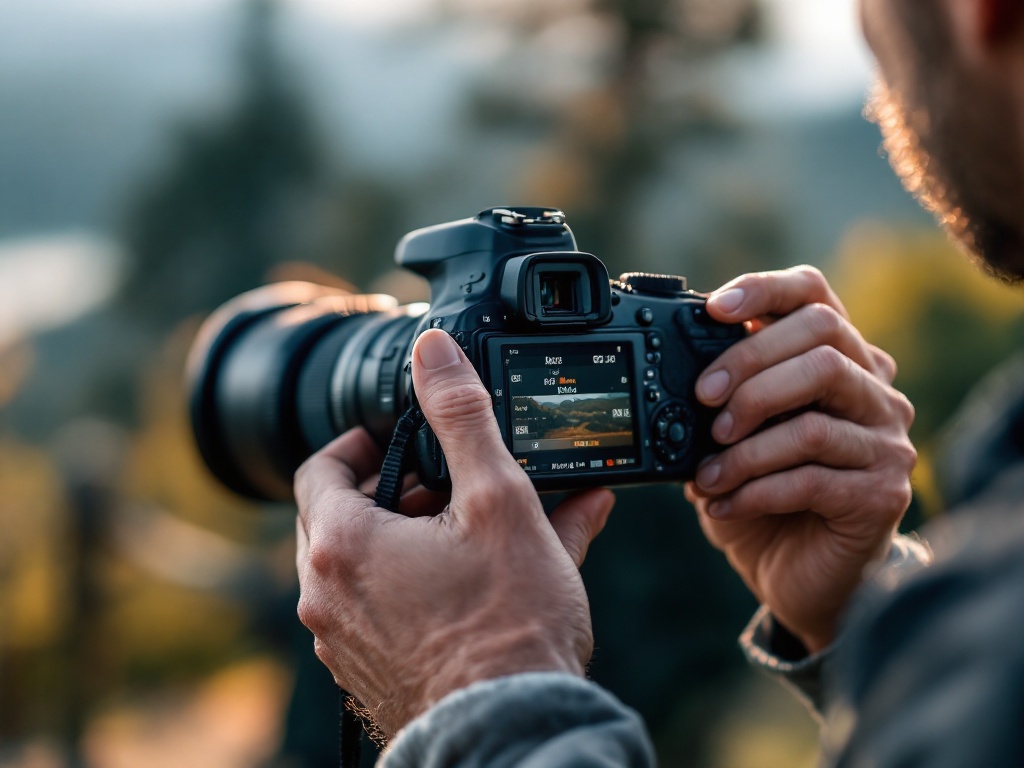
When it comes to product photography, getting a grip on your camera’s settings is super important if you want to nail that professional look. Shooting at a mid-range aperture like f/8 to f/11 is great for keeping things sharp while still getting a nice depth of field. Pair that with a shutter speed of at least 1/125 second (especially if you’re using a tripod) to dodge any motion blur. Keeping your ISO low, around 100-400, will help you score the cleanest images with the least digital noise. And for detailed items like watches, you can try some focus stacking techniques to really capture all those fine details from front to back. The checklist:-
- Aperture: f/8 to f/11 for most products (sweet spot for sharpness)
- Shutter Speed: 1/125 or higher with tripod
- ISO: Keep at 100-400 for cleanest images
- Real example: For a watch photography session
- f/8 aperture for overall sharpness
- 1/160 shutter speed to eliminate any movement
- ISO 100 for maximum quality
- Focus stacking for complete detail from face to band
4. Multiple Angles Strategy
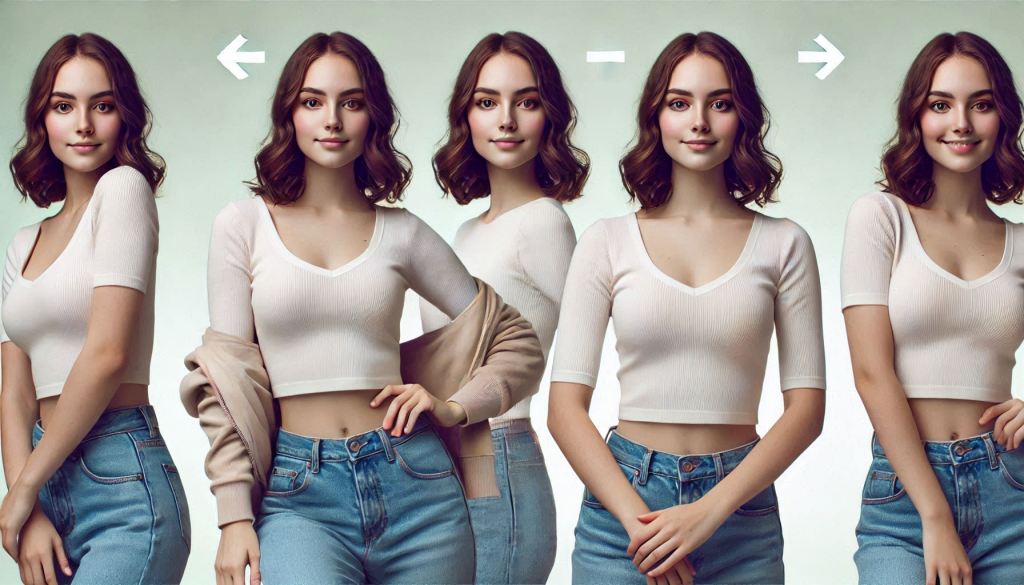
Snapping shots of products from different angles is super important to show off all the cool features that might catch the eye of potential buyers. Mixing it up with different viewpoints—like that awesome hero shot at a 45-degree angle, front views, side shots, top-down looks, and those close-ups—gives customers a better idea of what the product’s all about. This variety not only makes the shopping experience way more enjoyable but also helps build trust, since it lets people check out the product in detail before they hit that buy button. By planning out the angles and keeping the lighting and background consistent, photographers can tell a great visual story that showcases the product’s best bits, which can really boost sales and engagement.
Essential Shots Checklist
- Hero Shot (45-degree angle)
- Front View
- Side Profile
- Top-Down
- Detail Shots (3-5 minimum)
- Scale Reference
- Usage/Context Shots
Example Product Sequence: Leather Bag Photography
- Main shot: 45-degree angle showing form and design
- Interior capacity with common items
- Strap detail and hardware close-ups
- Texture detail of leather grain
- Lifestyle shot with model for size reference

Post-Processing Excellence
Post-processing is a key part of taking great portrait photos that can turn nice shots into stunning ones. Having a solid editing routine helps keep your work looking consistent while also bringing out the natural beauty of your subjects, all without making them look too edited.
Recommended Post-Processing Workflow
- Import and organise photos in your preferred editing software
- Perform basic adjustments (exposure, contrast, white balance)
- Clean up skin imperfections and remove distractions
- Apply color grading and tonal adjustments
- Make final touches (sharpening, noise reduction)
- Export in appropriate formats for different uses
Essential Post-Processing Tips
- Maintain natural skin tones – avoid over-saturating or changing skin color too drastically
- Use adjustment layers for non-destructive editing
- Create and save presets for consistent editing across similar images
- Pay attention to details like catch lights in eyes and teeth whitening
- Keep backups of both RAW files and edited versions
- Consider batch processing for efficiency with large sets of images
Remember that post-processing should enhance, not completely alter, the original image. The goal is to present your subject in their best light while maintaining authenticity and natural appeal.
Common Mistakes and Solutions
1. Over-editing Pitfalls
❌ Problem: Oversaturated jewelry images
✅ Solution: Use selective saturation and vibrance adjustments
2. Inconsistent Sizing
❌ Problem: Mixed aspect ratios on e-commerce sites
✅ Solution: Create templates (2000x2000px standard)
3. Focus Issues
❌ Problem: Soft focus on key product features
✅ Solution: Focus stacking technique (3-5 images minimum)
Focus stacking is when photographers take several pictures of the same subject, each focused on a different area. Then, software combines these images, choosing the sharpest parts from each one.
Final Thoughts
In today’s cutthroat online market, killer product photography is a must if you want to grab attention and boost sales. It’s all about nailing those lighting tricks, picking the right backgrounds, and getting your camera settings just right to create awesome images that really connect with buyers. By sharing a handy checklist of must-have shots and highlighting how crucial post-processing is, you can amp up your brand’s look and keep customers engaged. Don’t forget, each photo is like a little digital shop window that shows off your brand identity!

 Kemple Photography Blog
Leave a Reply